
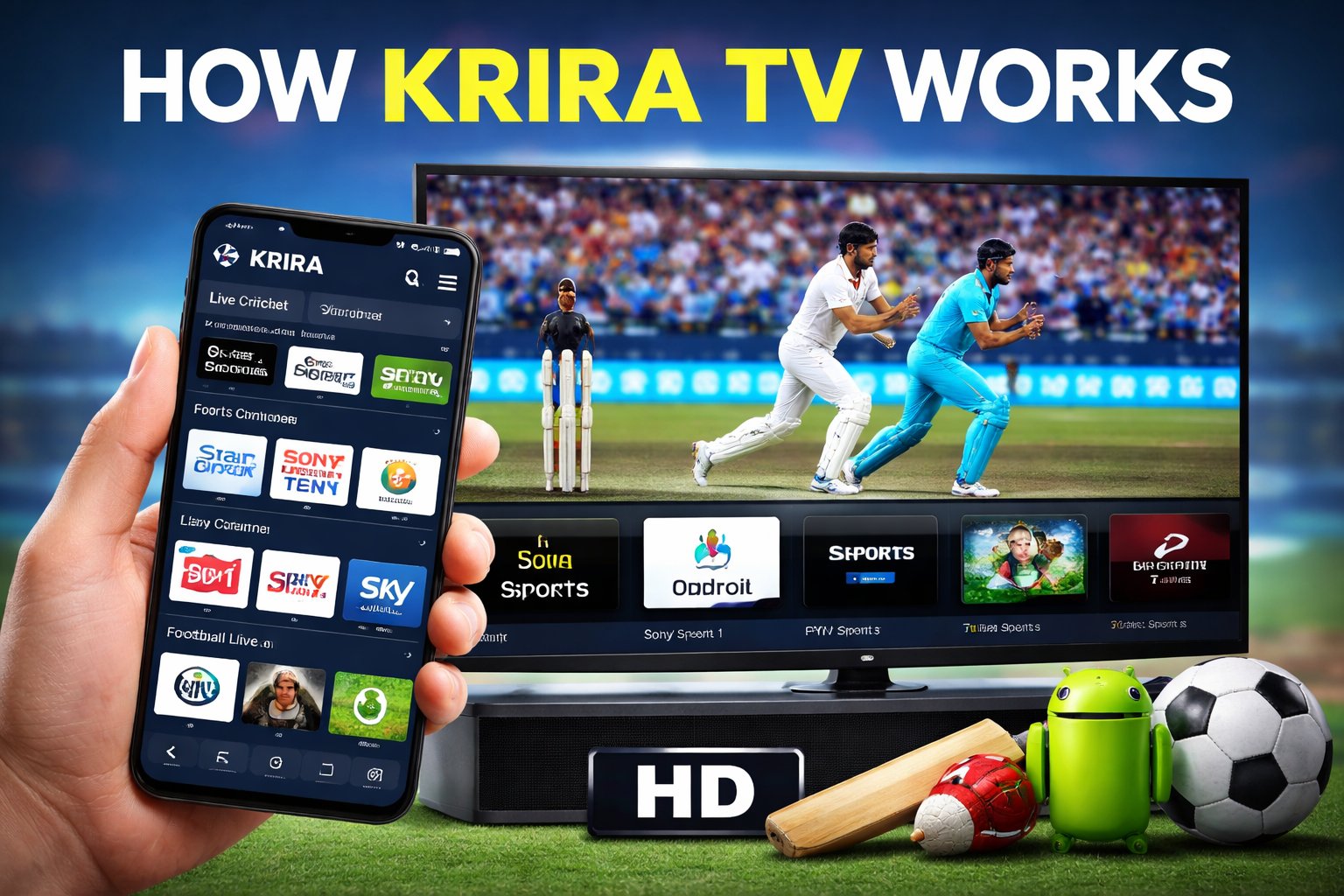
Krira TV is a popular Android streaming application that allows users to watch live sports channels, including cricket, football and other international sporting events. This guide explains how Krira TV works, how users typically use it, its core features and important considerations every user should understand before installing or using the app.
Disclaimer: Krira TV is a third-party application and is not available on the Google Play Store. This article is for educational and informational purposes only.
What Is Krira TV?
Krira TV is a third-party Android application designed to aggregate and stream sports television channels in one place. It is primarily used by sports fans who want access to live matches, highlights and sports TV content on Android devices such as smartphones, tablets, Android TVs and TV boxes.
Unlike official streaming platforms, Krira TV does not host its own content. Instead, it pulls streams from multiple external sources and presents them inside a single app interface.
How Krira TV Works (Technical Overview)
Krira TV functions as a stream aggregator, not a content creator or broadcaster. Here is how it generally works:
- The app connects to multiple online streaming sources.
- These sources provide live TV streams or links.
- Krira TV organizes these streams by sport and channel.
- Users select a channel or match to start streaming.
Because the streams come from third-party sources, availability, quality and stability may vary depending on internet speed, server load, and geographic location.
How users navigate Krira TV
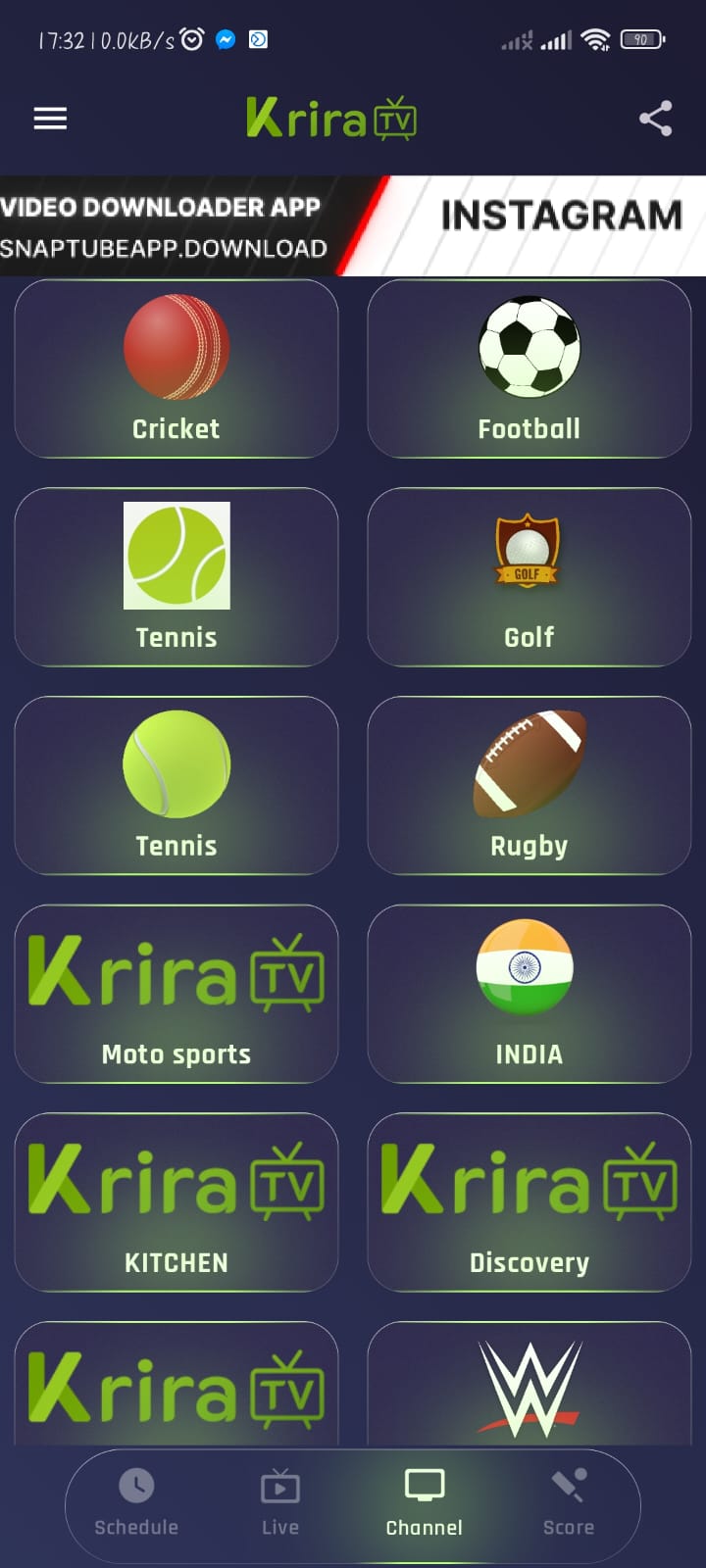
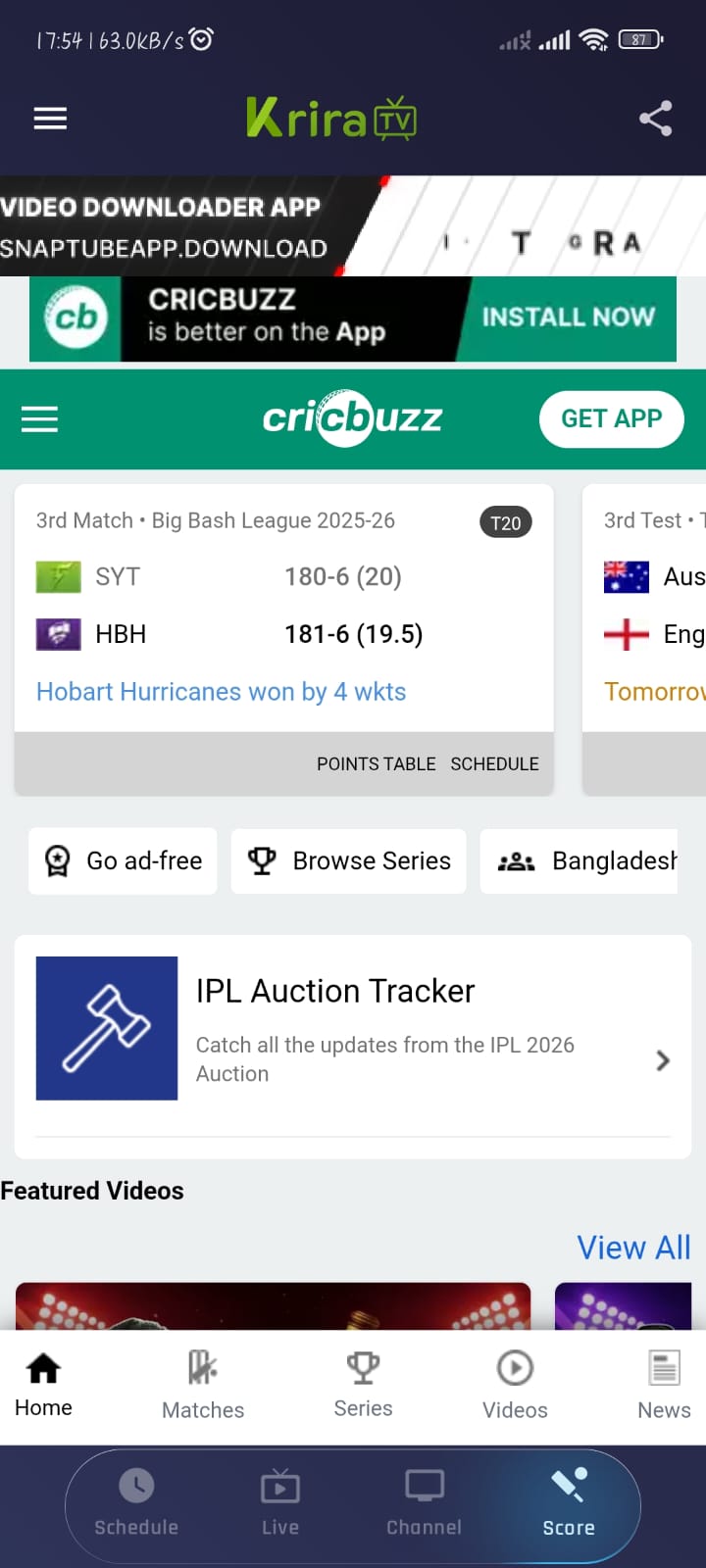
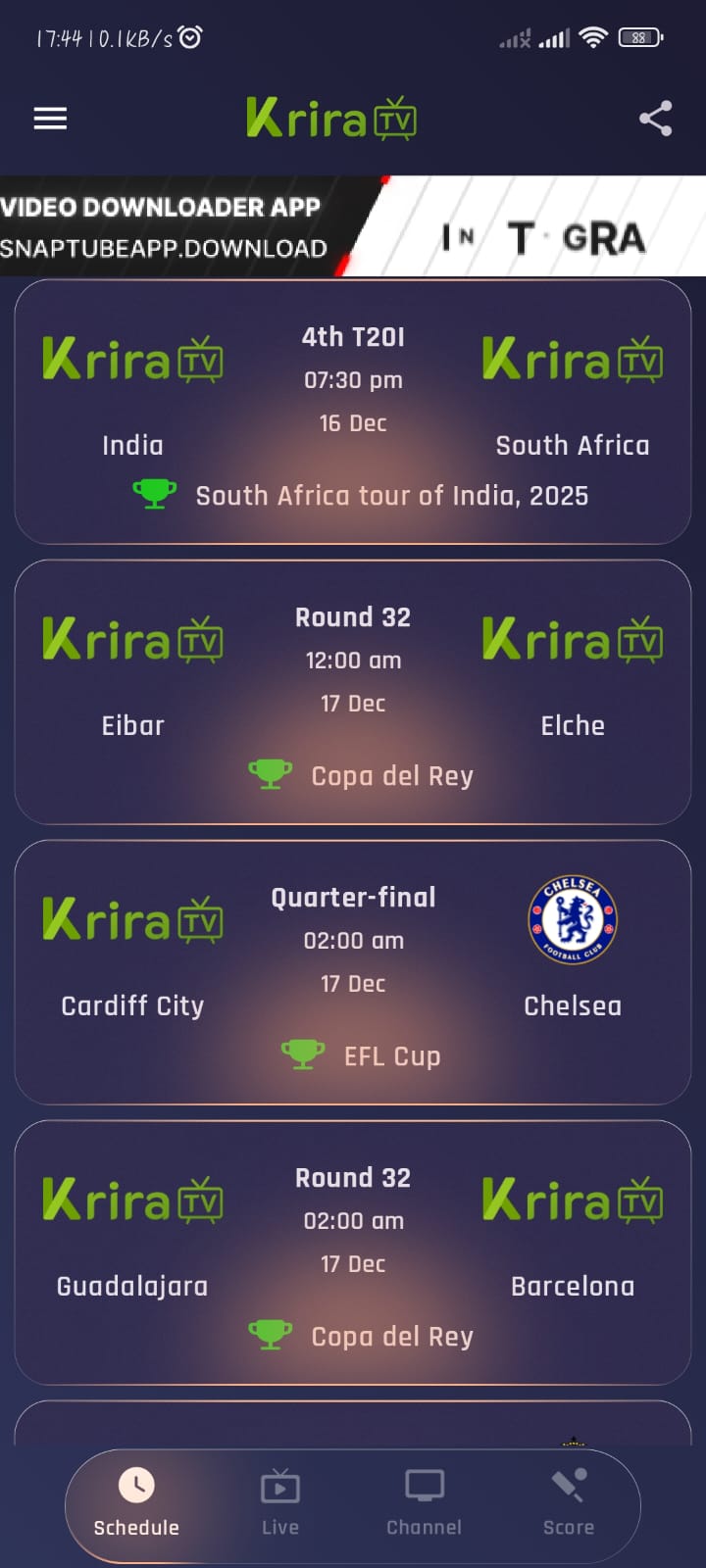
Key Features of Krira TV
1. Live Sports Streaming
Krira TV focuses mainly on live sports, including:
- Cricket
- Football (soccer)
- Other regional and international sports channels
2. Simple User Interface
The app interface is lightweight and designed for easy navigation, making it suitable for:
- Mobile users
- Android TV and Smart TV users
- Low-end Android devices
3. No Account Required
Most versions of Krira TV do not require user registration or login, allowing quick access to content.
4. Android TV Compatibility
Krira TV is often used on Android Smart TVs and TV boxes, providing a larger-screen viewing experience for live matches.
Supported Devices
Krira TV is commonly compatible with:
- Android smartphones
- Android tablets
- Android Smart TVs
- Android TV boxes and Fire TV devices (via sideloading)
It is not officially supported on iOS devices or desktop browsers. For installation steps, see our detailed guide on how to install Krira TV on Android TV.
Internet Requirements for Smooth Streaming
To use Krira TV effectively, users generally need:
- Stable internet connection
- Minimum 5 Mbps for SD streaming
- 10 Mbps or higher for HD streams
- Wi-Fi recommended for TV usage
Is Krira TV Free?
Yes, Krira TV is typically available for free. However, since it is not an official streaming service:
- There is no guarantee of uptime
- Ads may appear inside the app
- Streams may be removed or changed without notice
Safety and Legal Considerations

Security
Since Krira TV is not distributed through the Google Play Store:
- Users should download APK files only from trusted sources
- It is recommended to use updated antivirus software
- Avoid granting unnecessary permissions
Legal Notice
Streaming laws vary by country. Users are responsible for understanding and complying with local regulations regarding third-party streaming applications.
Krira TV itself does not publicly claim ownership of any streamed content.
Common Issues and Troubleshooting
App Not Opening
- Clear app cache
- Update to the latest version
- Restart the device
Stream Not Loading
- Check internet connection
- Try a different channel
- Close background apps
Buffering Problems
- Reduce video quality
- Use a stronger Wi-Fi network
- Avoid peak match times if possible
Krira TV vs Official Streaming Platforms
| Feature | Krira TV | Official Platforms |
|---|---|---|
| Cost | Free | Paid subscription |
| Content rights | Unofficial | Licensed |
| Reliability | Medium | High |
| App store availability | No | Yes |
| Customer support | Limited | Available |
This comparison highlights why some users choose Krira TV while others prefer official services.
FAQ
No, Krira TV is not available on the Play Store and must be installed manually via APK.
Yes, it works on Android-based Smart TVs and TV boxes.
Safety depends on the source of the APK and device security practices. Users should be cautious.
Final Verdict
Krira TV provides a convenient way for sports fans to access live sports content on Android devices. While it offers flexibility and free access, users should understand its limitations, potential risks and legal considerations.
For users looking for a centralized sports streaming experience, Krira TV can be useful—but it should always be used responsibly and with awareness.
Editor’s Note: This guide is based on common user experiences with Krira TV on Android devices. Features and availability may change depending on app version and region.